eComm’s ‘Ball In Court’ Feature – Accountability & Eliminated Confusion On Every Open Item
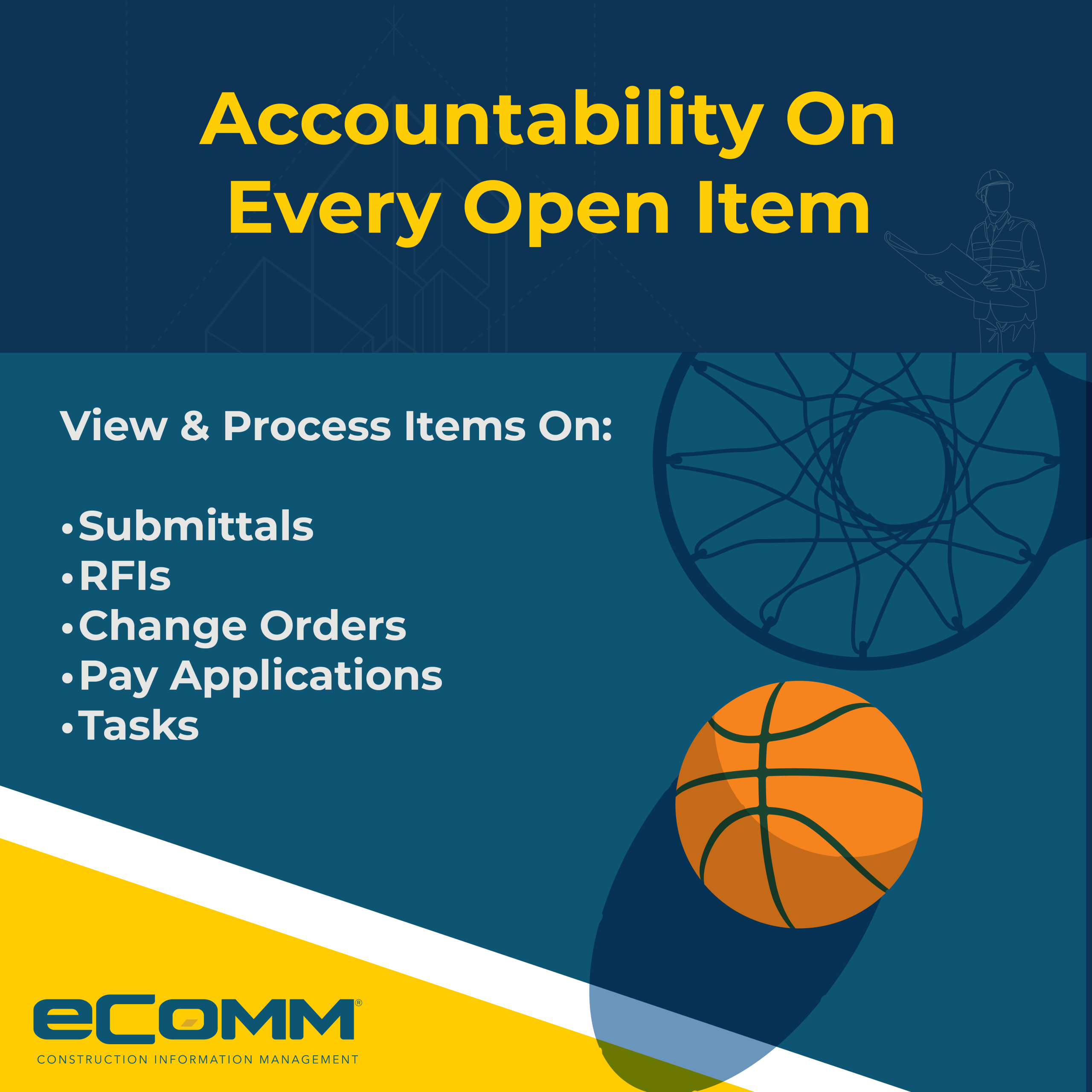
eComm’s ‘Ball In Court‘ workflow feature helps teams keep work moving by making it clear who needs to take the next step on an item. Instead of wondering whether a request is waiting for review, approval, or a response, users can quickly see whose turn it is and follow up with the right person. By improving visibility and accountability, Ball In Court can reduce delays, simplify collaboration, and help teams manage requests more efficiently. Whether you’re coordinating approvals or tracking day-to-day work, eComm’s Ball In Court feature makes it easier to understand what’s next and keep tasks on track.View & process items on:
- Submittals
- Request for information (RFIs)
- Change orders
- Pay applications
- Tasks
The Core Mechanics of eComm’s ‘Ball In Court’ Feature
Clear Ownership: eliminates confusion by removing shared responsibility; only the person whose court the ball is in can take action.
Automatic Handoffs: when a party completes their task, eComm automatically passes the ball and sends a notification to the next responsible party in the workflow for project task completion.
Bottleneck Tracking: project managers can view a real-time dashboard showing exactly who is holding up progress, how long they have been in possession of a task, and when it is past due.