More Than A Copier: The Kyocera TASKalfa Series Is A Productivity Hub
In today’s fast-paced business environment, productivity depends on more than having the right people and processes. It also requires reliable technology that helps teams work efficiently, manage information, and keep projects moving.
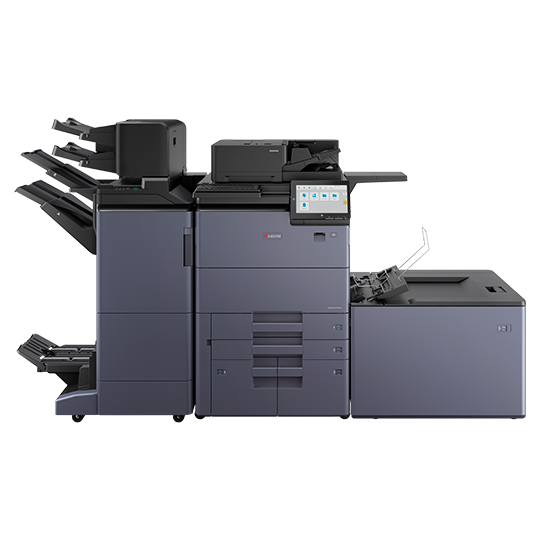
That’s where multifunction printing systems like the Kyocera TASKalfa series come into the conversation. Designed to bring printing, copying, and scanning together in one device, the TASKalfa family offers organizations a way to simplify everyday document tasks and support the workflows that keep business moving.
For organizations that rely on contracts, proposals, reports, technical documents, and other printed materials, choosing the right office equipment can make a meaningful difference in daily operations.
At Lynn Imaging, we understand that office technology should do more than produce paper. It should help people work smarter. That’s why we’re a local provider of the Kyocera TASKalfa Series office copiers and printers.
Bring Essential Document Functions Together
Modern businesses generate and process a tremendous amount of information. Employees may need to print a proposal, scan a signed document, copy a report, or distribute paperwork to colleagues—all within the same afternoon.
Multifunction printers help consolidate these everyday tasks into a central resource.
The Kyocera TASKalfa series includes systems designed to combine core document functions, helping teams manage common printing and scanning needs without relying on separate devices for every task.
The potential benefits include:
- Simplified workflows: Keep routine document tasks accessible in one place.
- Convenience for employees: Make printing, copying, and scanning part of a more consistent office process.
- Flexible configurations: Select equipment and available options that align with your organization’s workload and document requirements.
When routine tasks become easier to manage, employees can spend more time focusing on the work that matters most.
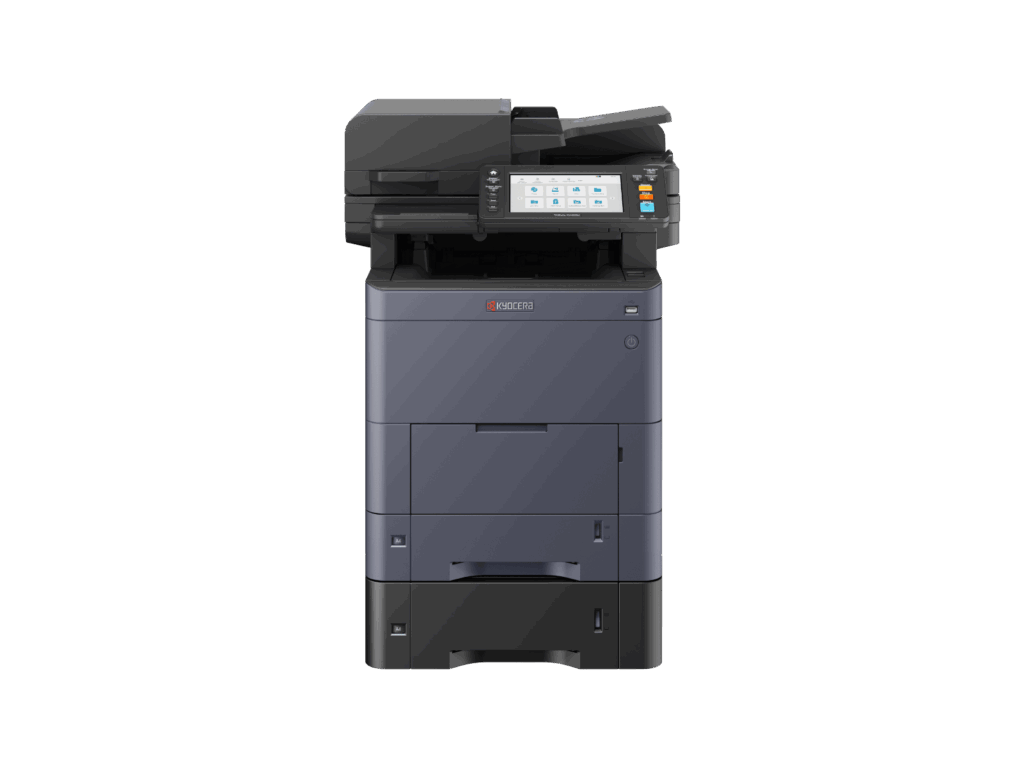
Support High-Volume Document Work
Not every office has the same printing demands. A small administrative team may print a few reports each day, while a larger organization may regularly produce substantial volumes of paperwork.
The TASKalfa family includes different models and configurations intended to serve varying business needs. Depending on the model, organizations can evaluate print speeds, paper capacity, document handling, and finishing options to find a system that fits their workload.
For teams that regularly prepare presentations, proposals, reports, and multi-page documents, these capabilities can help make document production more manageable.
The key is choosing equipment based on how your team actually works—not simply selecting the machine with the longest feature list.
Improve The Way Your Team Handles Documents
Printing is only one part of the document process. Getting information where it needs to go is just as important.
Scanning capabilities can help businesses move information from paper into digital workflows. Instead of treating every document as a physical piece of paper, employees can incorporate scanned information into processes for sharing, reviewing, storing, and managing files.
Depending on the model and configuration, TASKalfa systems may offer connectivity and workflow features that support these activities.
For businesses looking to reduce unnecessary steps, the opportunity is clear: evaluate how documents move through the organization and identify where the right technology can simplify the process.
Better document workflows can help reduce friction, improve consistency, and make everyday administrative work easier to manage.
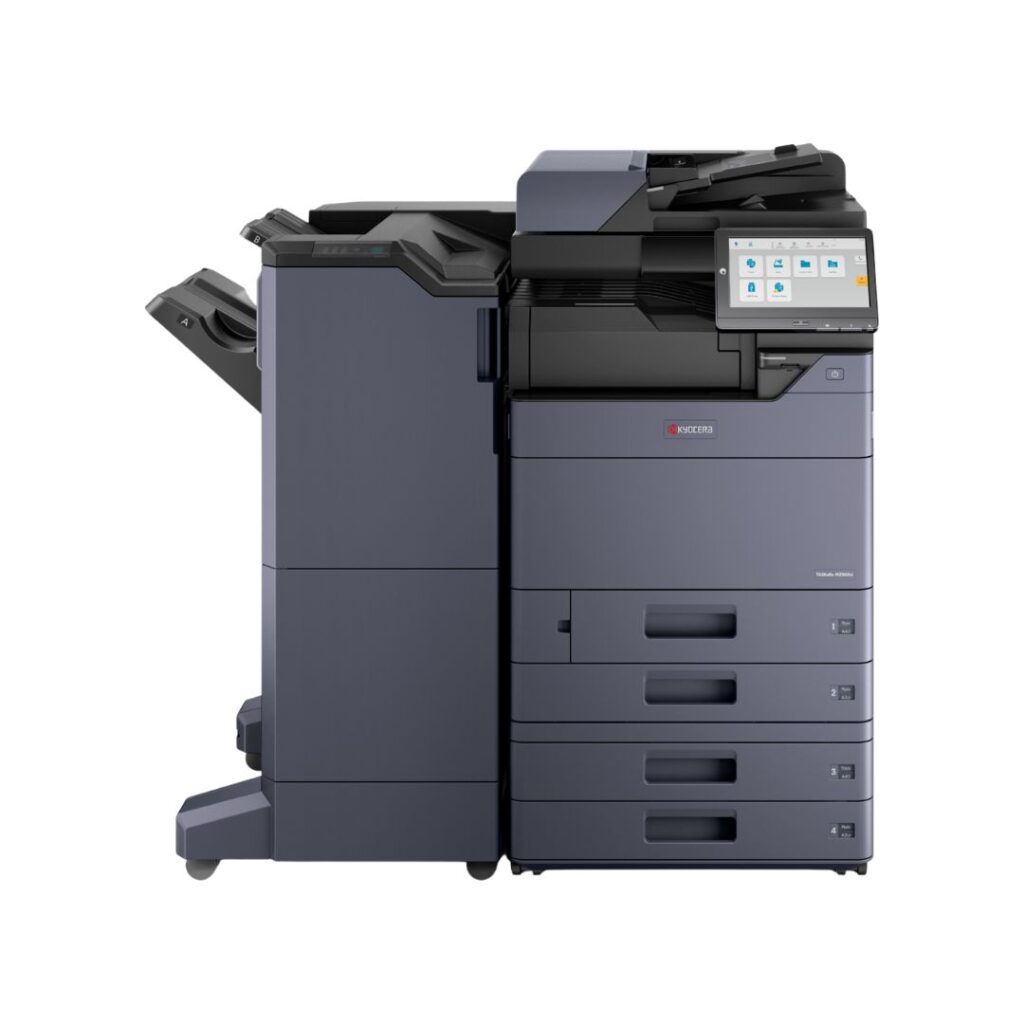
Make Reliability And Operating Costs Part Of The Decision
When office equipment becomes unreliable, the impact reaches beyond the machine itself. Employees lose time, deadlines become harder to manage, and IT or administrative teams may have to troubleshoot avoidable problems.
That’s why evaluating an office copier or multifunction printer should involve more than comparing the purchase price.
Businesses should consider the total cost of ownership, including:
- Equipment acquisition or leasing costs
- Toner and other consumables
- Routine maintenance and service
- Expected print volumes
- Energy use and paper consumption
- The time employees spend dealing with printing problems
Kyocera emphasizes durable components and efficiency across its document solutions portfolio. However, actual operating costs and service requirements depend on the specific model, usage patterns, and service arrangement.
A thoughtful equipment evaluation can help organizations understand the long-term investment and choose a solution that aligns with their budget and operational needs.
Consider Security In Every Document Workflow
Printed and scanned documents often contain information businesses need to protect, from financial records and contracts to employee information and customer data.
Office printing technology should therefore be evaluated as part of an organization’s broader information-security strategy.
Depending on the device and configuration, multifunction systems may support security features such as user authentication, access controls, and secure printing. Organizations should confirm which protections are available on the specific model and how they fit with existing IT policies.
The goal is to make document handling convenient without overlooking the importance of protecting sensitive information.
Choose Office Technology That Fits Your Business
No two organizations have identical document needs. The right solution for an engineering firm may look very different from the right solution for a professional services office, educational institution, or corporate department.
Before investing in a new copier or multifunction printer, consider a few important questions:
- How many pages does your team print each month?
- Do you need color, black-and-white printing, or both?
- How frequently do employees scan documents?
- Do you regularly print larger documents or specialized media?
- Which finishing options would help your team?
- What service, support, and workflow requirements are most important?
Answering these questions helps establish a practical starting point for evaluating available equipment.
At Lynn Imaging, our focus is helping businesses find technology that supports their real-world needs. From office printing to wide-format output for technical documents, the right equipment should work as part of a larger solution—not create another challenge for your team.
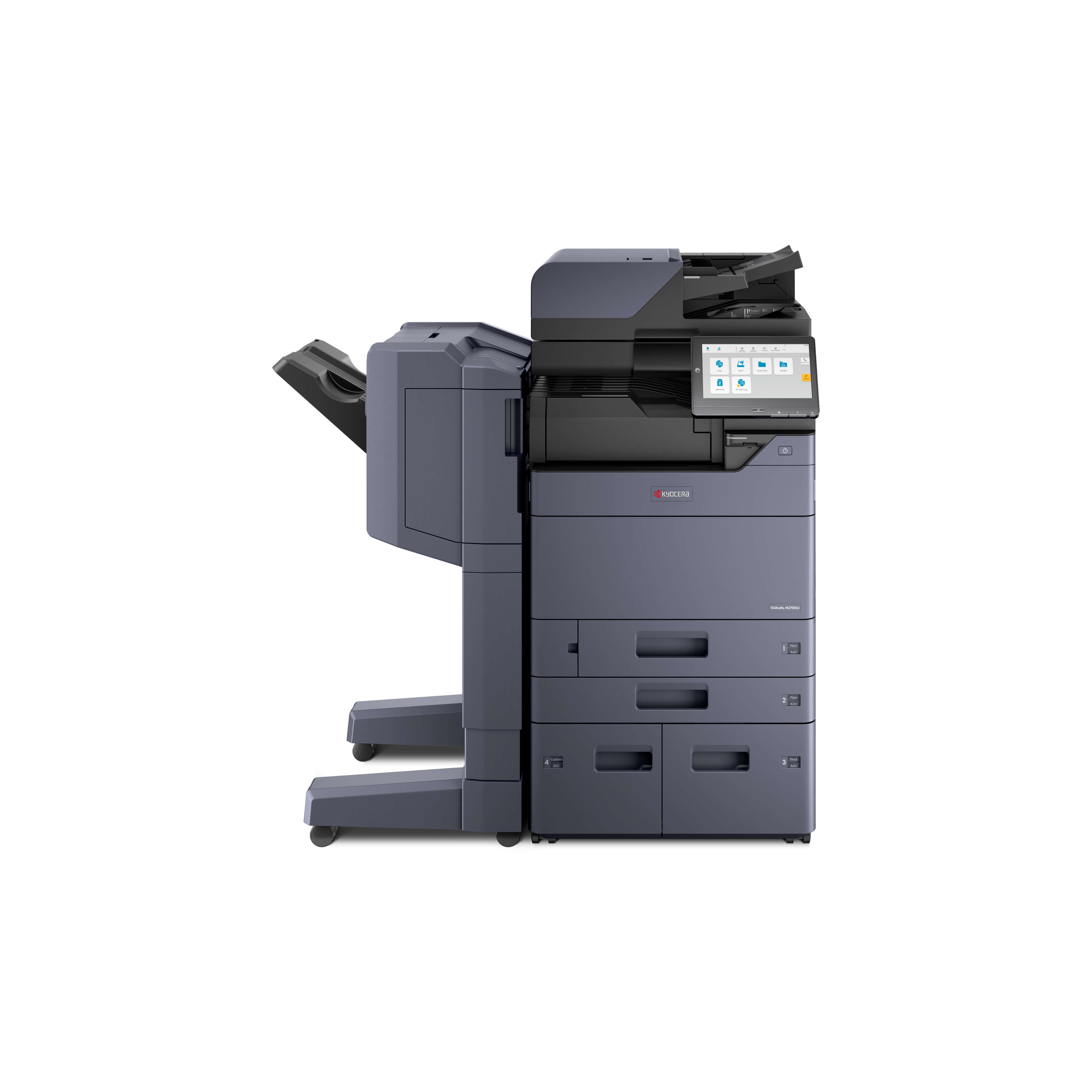
Lynn Imaging: Helping Businesses Work Smarter
Technology delivers the most value when it supports the people who use it every day.
Whether you’re evaluating multifunction printers, looking to improve office document workflows, or exploring printing solutions for technical and professional environments, it’s worth taking a closer look at how your current equipment supports your business.
Lynn Imaging helps organizations navigate printing and document challenges with equipment, expertise, and support tailored to their needs.
Ready to evaluate your office printing needs?
Visit Lynn Imaging to explore available printing and copier solutions and connect with the team about finding the right fit for your organization.
The best office technology is the technology that helps your people spend less time managing documents—and more time moving business forward.